Blog
All about releases, features and other announcements.
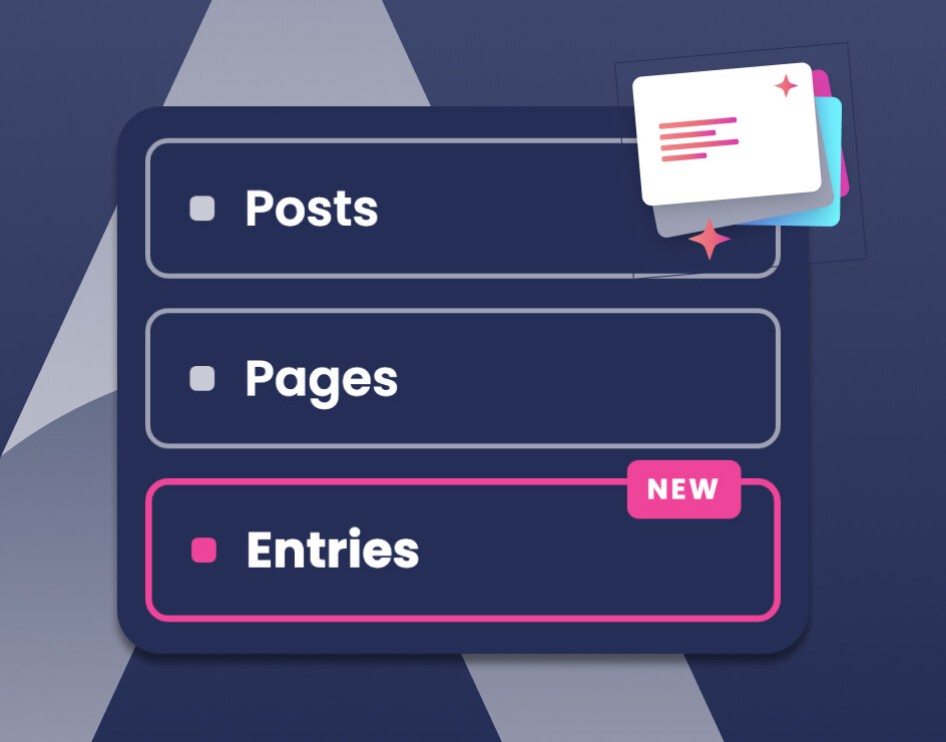
MailPoet can now build newsletters from Gravity Forms entries
MailPoet already builds newsletters from WordPress posts. MailPoet for Gravity Forms adds a new source: the entries people send through your forms.
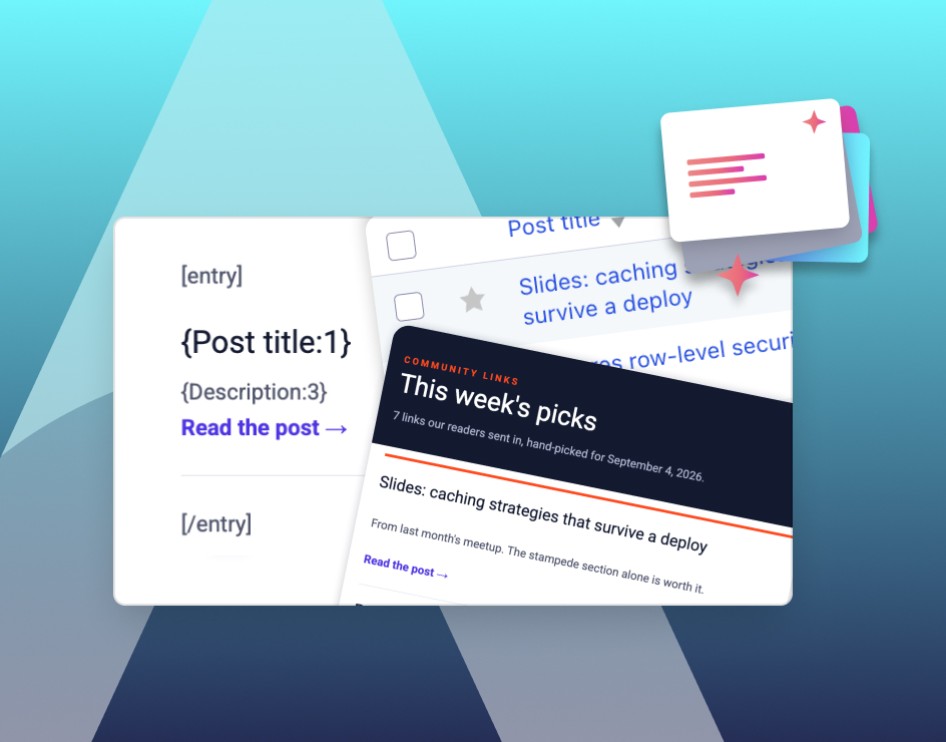
1.3.0: Your entries are the newsletter now
An entry used to do one job for your newsletter: add a subscriber. Now the entry is the newsletter. Pick the ones for this issue and get the draft in MailPoet, or ask your AI agent for this week's issue and never open WordPress. Subscribe, Compose, Automate: the complete toolkit.
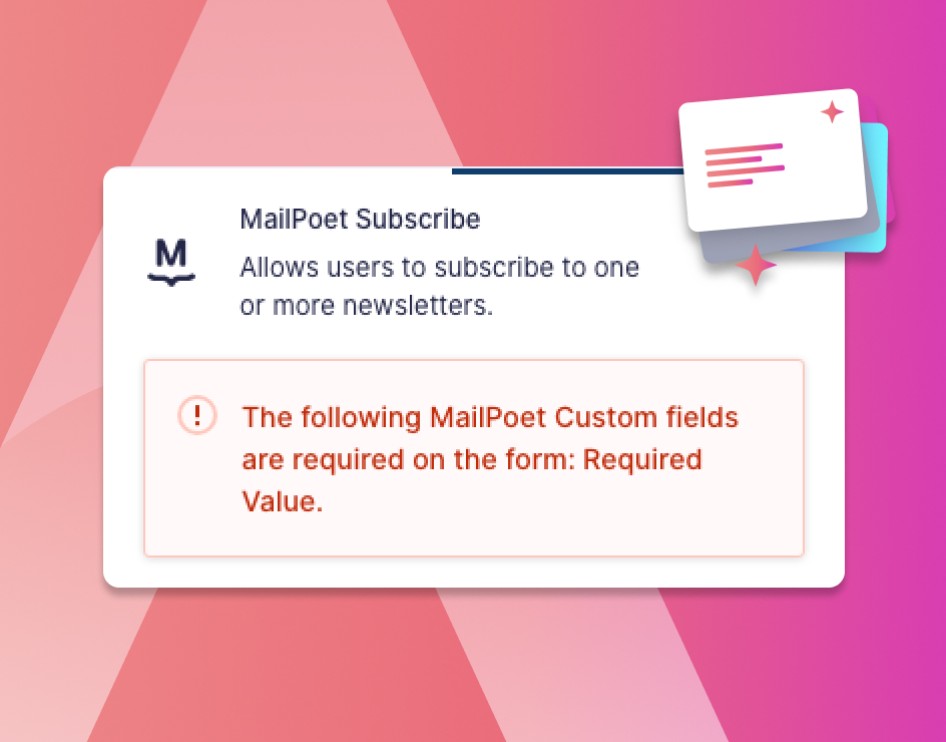
1.2.0: Sharper Subscribe Signals
Two new signals in the form editor: connected fields are marked right on the form, and a missing required field is flagged before it can break a subscription.
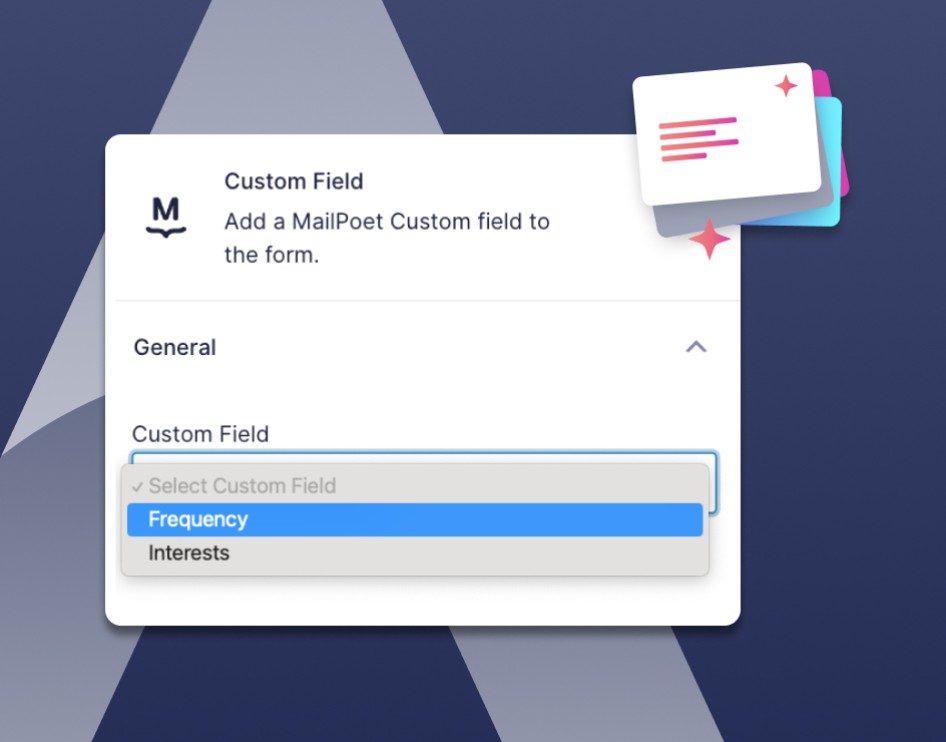
Connect MailPoet Custom Fields to Gravity Forms Like Never Before
MailPoet provides a way to expand on the subscriber information with Custom Fields. In this post we'll take a look at how you can add these fields to Gravity Forms, take advantage of its Conditional Logic and how it can manage your MailPoet segments.

Automatic Subscription: One Consent for Multiple Newsletters
Want to streamline your newsletter sign-ups while maintaining user consent? With this simple yet powerful trick, you can automatically subscribe users to multiple newsletters without them manually selecting each one.
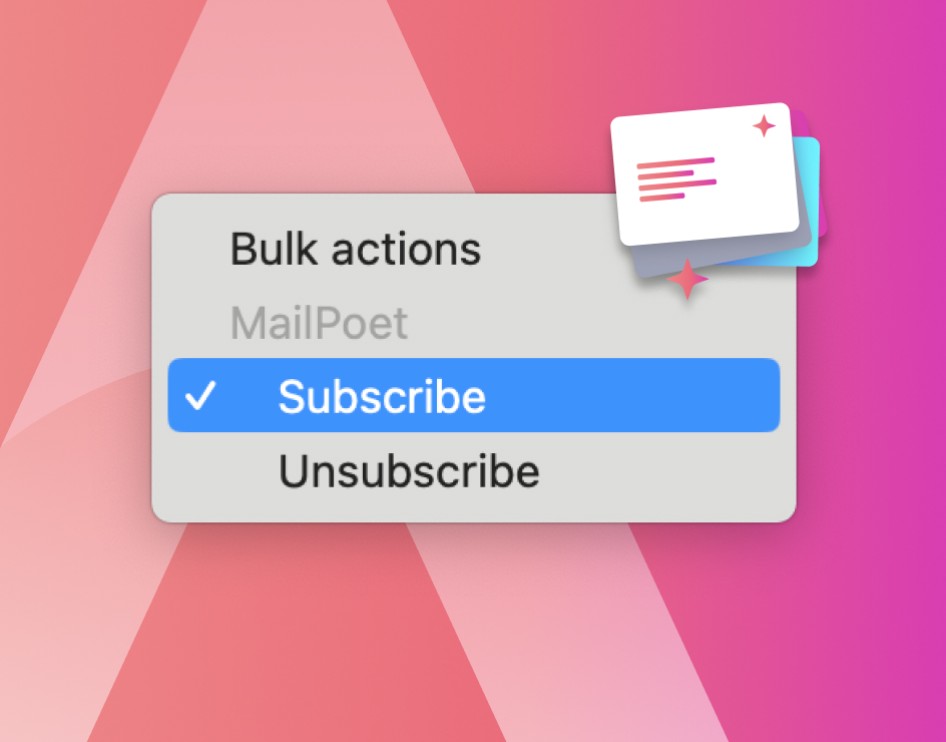
How to Bulk Subscribe Gravity Forms entries to MailPoet
Do you have a form with countless Gravity Forms submissions and want to subscribe all (or most) of the captured email addresses to your MailPoet lists? In this guide we'll show you how to quickly sync them all up, without messy CSV exports or MailPoet imports!

How to connect MailPoet to Gravity Forms
Are you looking for the easiest way to connect MailPoet and Gravity Forms? In this article we'll show you step by step how to do it. Spoiler Alert: it's only 3 steps! Let's have you up and running in 2 minutes.