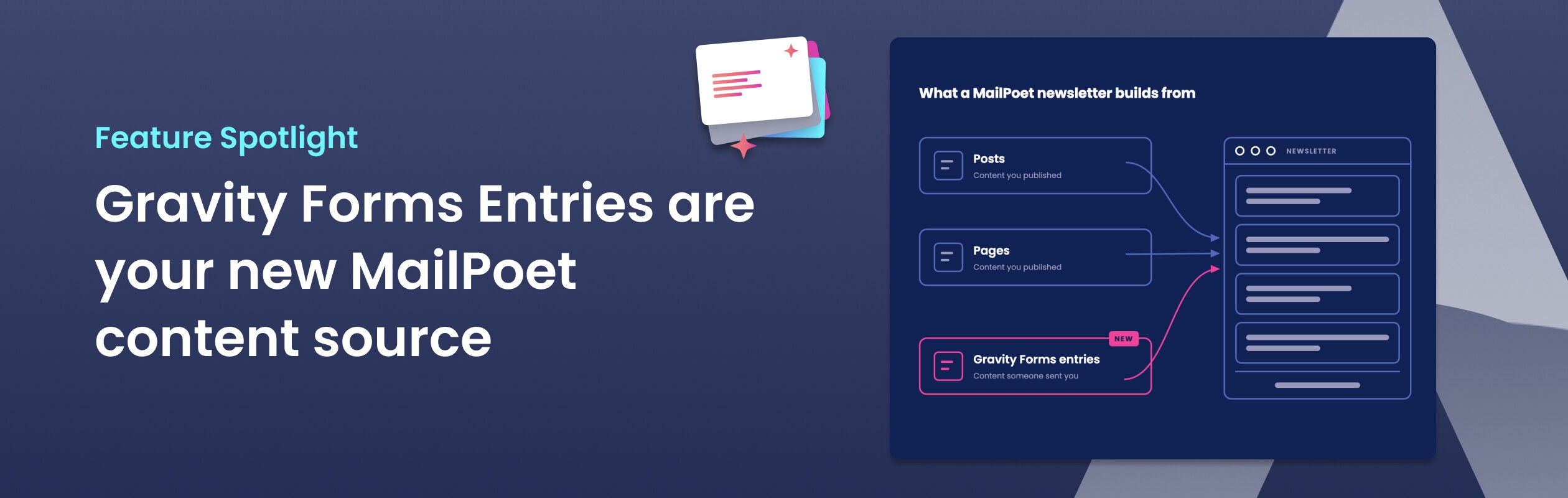
MailPoet can now build newsletters from Gravity Forms entries
MailPoet already builds newsletters from WordPress posts. MailPoet for Gravity Forms adds a new source: the entries people send through your forms.
MailPoet has a feature called Latest Content. Point it at a category, a tag, or a supported custom post type, and it pulls your newest content straight into a newsletter block. No copying and no formatting by hand. You publish, MailPoet notices, and the newsletter uses what you already wrote. It does that job well.
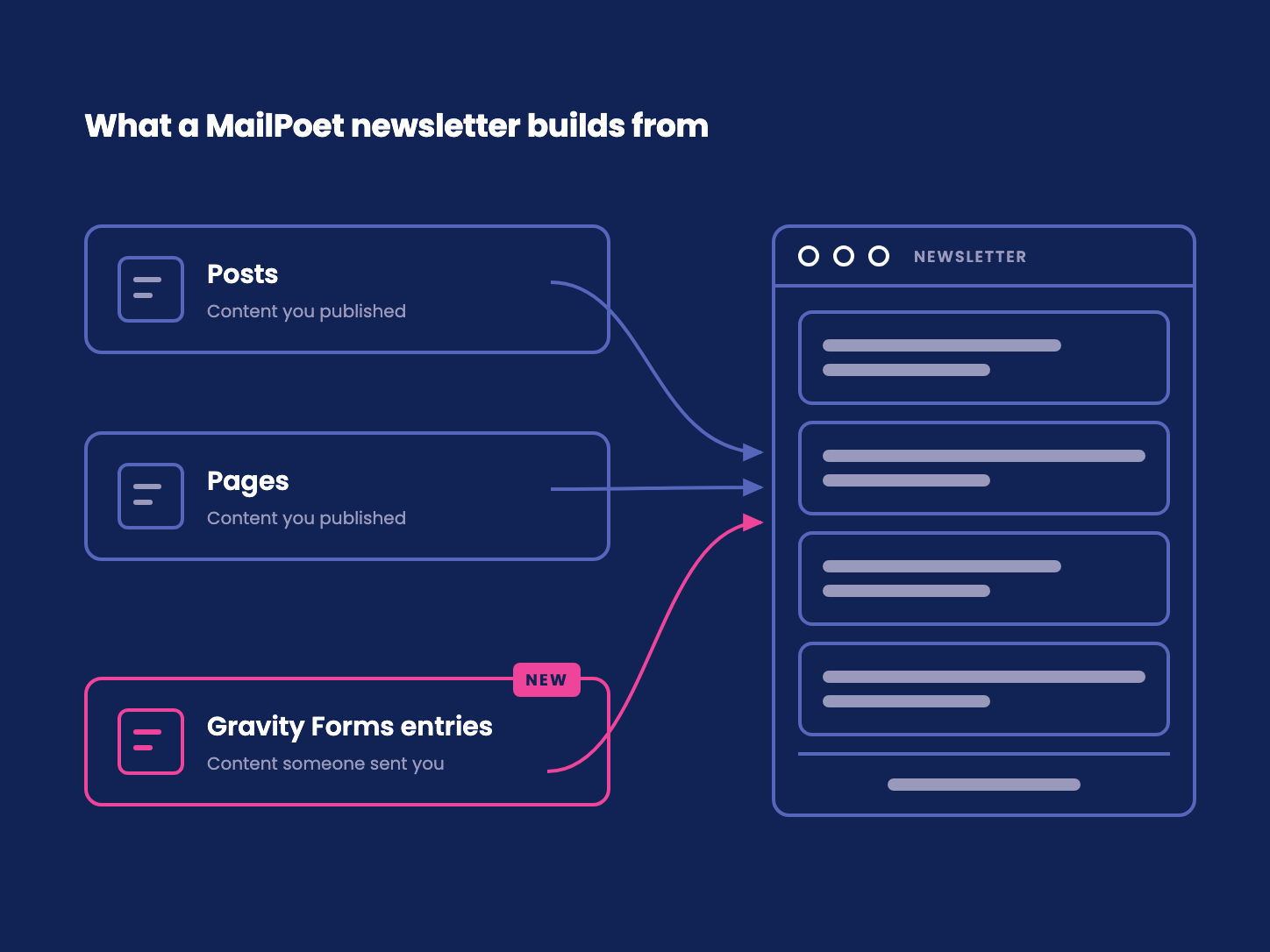
In WordPress, "post" describes more than a blog post. Posts, pages, and custom post types all use the same underlying structure. MailPoet's Latest Content pulls from that shared post structure. Gravity Forms entries use a different structure, so they have never been part of that source.
A newsletter can begin with what people send you
Many newsletters are not built from published posts. They are built from contributions: a link someone found, an announcement for the church bulletin, a notice for the HOA board, or a job for the weekly list.
That content often arrives through a form. It is already written and organised as Gravity Forms entries. But because an entry is not a WordPress post, it stops at the entry list instead of flowing into MailPoet.
Copying entries is the job that keeps coming back
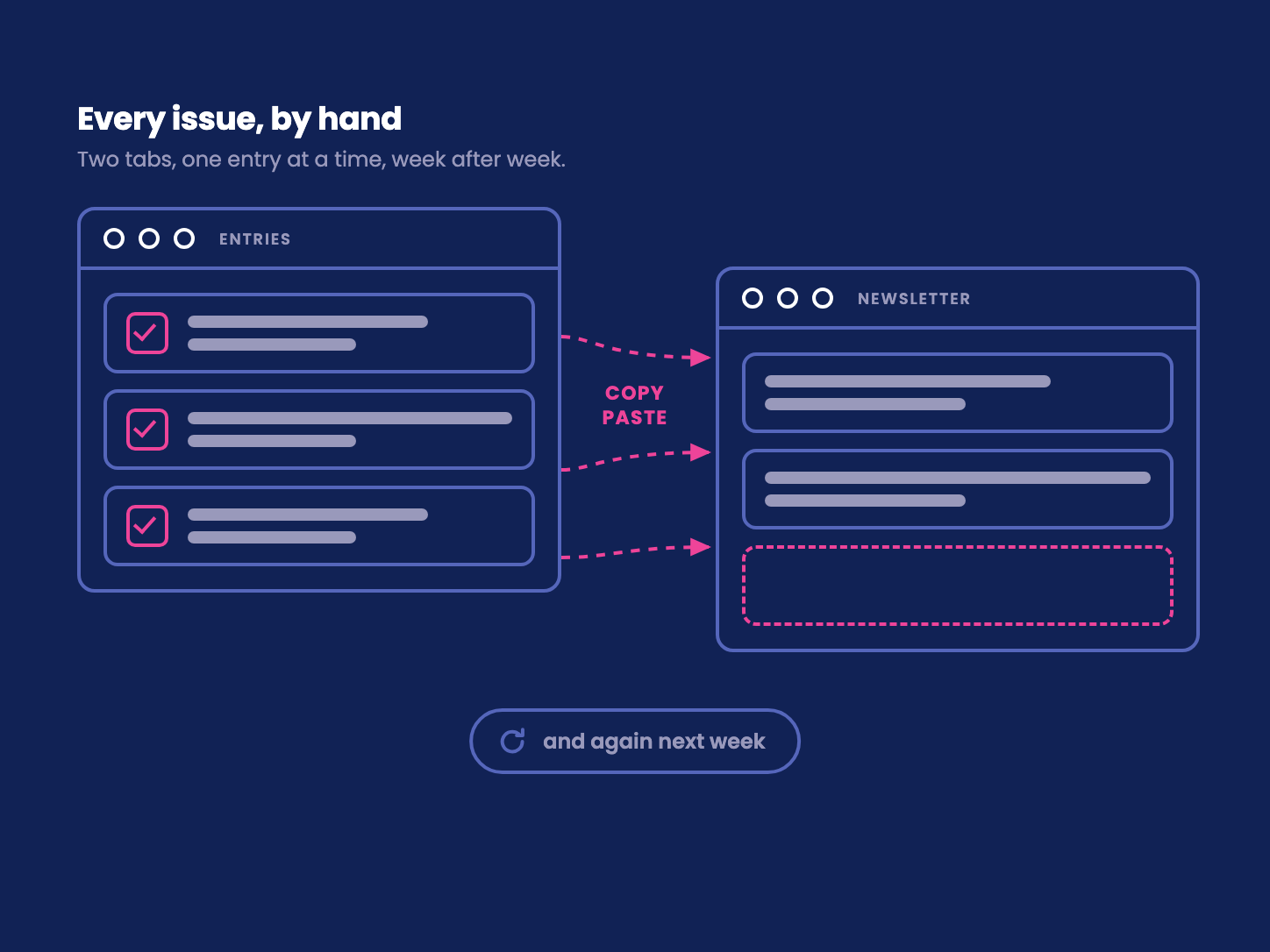
Without an integration, getting an entry into a newsletter means moving it yourself. Open the entry list in one tab and the MailPoet editor in another. Copy the text, paste it into a new block, fix the formatting, and check an earlier issue to make sure the same item has not already gone out.
One entry is a small task. A full issue turns it into the production process. Some people export the entries to a spreadsheet first, which adds another place to track what is current and what has already been used.
The same work returns with every issue. The newsletter exists because someone cares enough to keep it running. Their time should go into choosing and checking the content, not moving it between two plugins.
Gravity Forms entries are now a MailPoet source
MailPoet for Gravity Forms adds Gravity Forms entries as a new content source for MailPoet newsletters. Posts, pages, and supported custom post types still work as they always have. Now the entries people send through your forms can become newsletter content too.
MailPoet builds newsletters from what you publish. Now it can also build from what people send you.
Your entries are a newsletter waiting to be sent.
Build the design once, then prepare each issue
Design the newsletter in MailPoet, using the editor you already know. Mark the section that should repeat for each entry. When the next issue is due, open the entry list, pick the entries that belong, and run Compose. A draft appears in MailPoet with your header, one section per entry, and your footer in place.
That first setup is real work. Someone still has to build the newsletter and decide how each entry should look. Ready-made templates can provide a starting point. Once the design is ready, every later issue follows the same path: pick, generate, review, and schedule. The Compose page shows the full workflow.
Compose creates a draft. A person reads it, makes any changes, and schedules it in MailPoet. MailPoet remains the newsletter editor and sending service.

One workflow, several kinds of newsletter
A community links roundup can start with the links readers send through a form. Pick this week's entries and turn them into a draft instead of maintaining a separate list.
An HOA newsletter can be assembled from notices and updates sent by residents and board members. Each finished issue leaves a clear record in MailPoet for the next person who takes over.
A church bulletin can bring together announcements, events, and prayer requests from the congregation. The volunteer preparing it spends less time formatting and more time checking the message.
The vocabulary and purpose change, but the underlying shift is the same. Content someone sent you now has a direct path from the entry list to a MailPoet draft.
Ask your AI agent to prepare the draft
You can also ask your AI agent for this week's issue. It can read the entries, choose the ones that match your request, write a short summary for each, and create the MailPoet draft for you to review. You can guide the work in plain language without opening WordPress for the routine steps. The Automate page explains how that workflow works.
Start with the entries you already have
Your forms already collected the links, notices, announcements, and updates. MailPoet already gave you the tools to design and send the newsletter. MailPoet for Gravity Forms now connects those two.