Subscribe
Grow your MailPoet lists straight from your forms
Add a subscribe field to any Gravity Form, pick the lists it feeds, and you are done. No feeds to configure, no field mapping, no code. And every entry you have already collected can be subscribed in bulk.

Drag in the field, pick the lists
The MailPoet Subscribe field sits in the Gravity Forms editor next to every other field. Drop it into a form, tick the newsletters it should offer, and people opt in as they submit.
- Add it to any form, on any page.
- Offer one list or several from the same field.
- The subscription happens when the form is submitted.
- No hooks, no feeds, no code.

Already have entries? Subscribe them in bulk
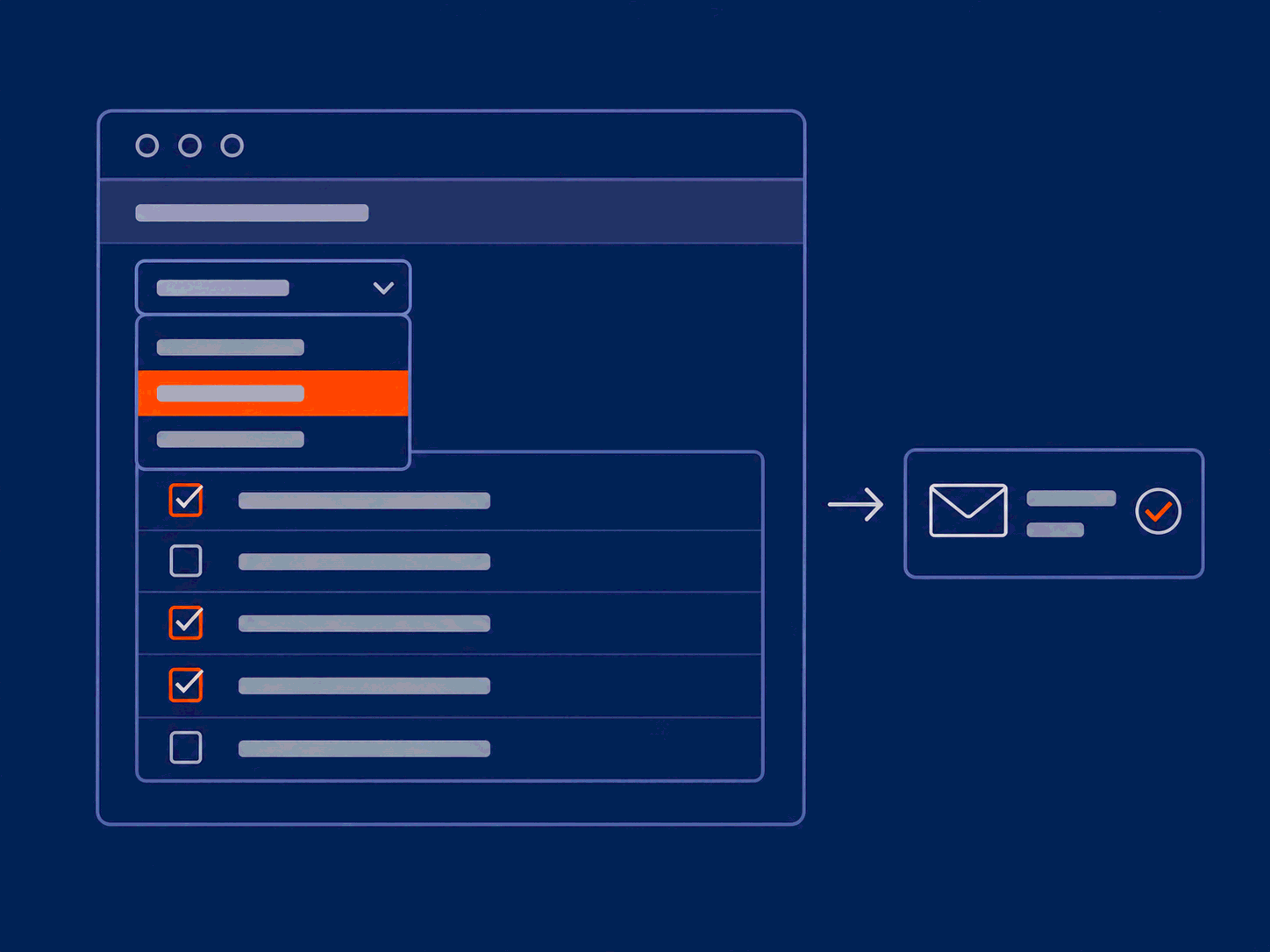
Years of entries sitting in Gravity Forms are a mailing list you have never sent to. Select the entries you want, choose the lists, and subscribe them in a few clicks.
- Works straight from the Gravity Forms entry list.
- Pick the lists once and apply them to every selected entry.
- No CSV export, no import step.
See what an address is already subscribed to
Open an entry and the email insights panel shows which MailPoet lists that address is on. Handy when someone asks why they are, or are not, getting your newsletter.
- Shows the lists for the email address on the entry.
- Right there on the entry, without switching to MailPoet.
- Answers a support question in one look.

MailPoet custom fields, without the mapping
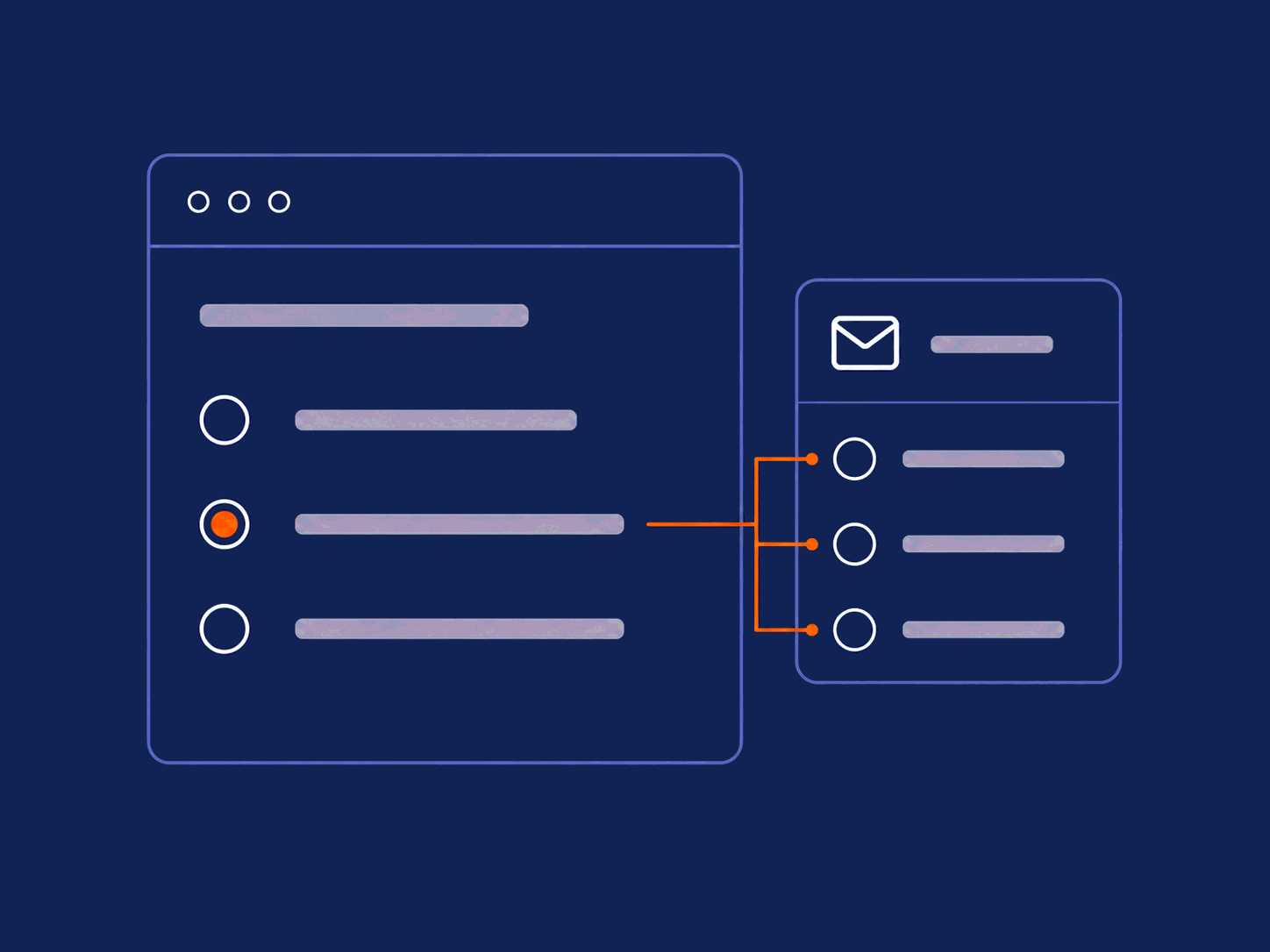
Add the MailPoet Custom Field, choose the custom field it represents, and its options and values come straight from MailPoet. No mapping table to keep in step by hand.
- Options and values come from MailPoet.
- Radio, dropdown, whatever you built over there.
- Change it in MailPoet and the form follows.
- No mapping table, no feed to configure.
Or subscribe quietly, in the background
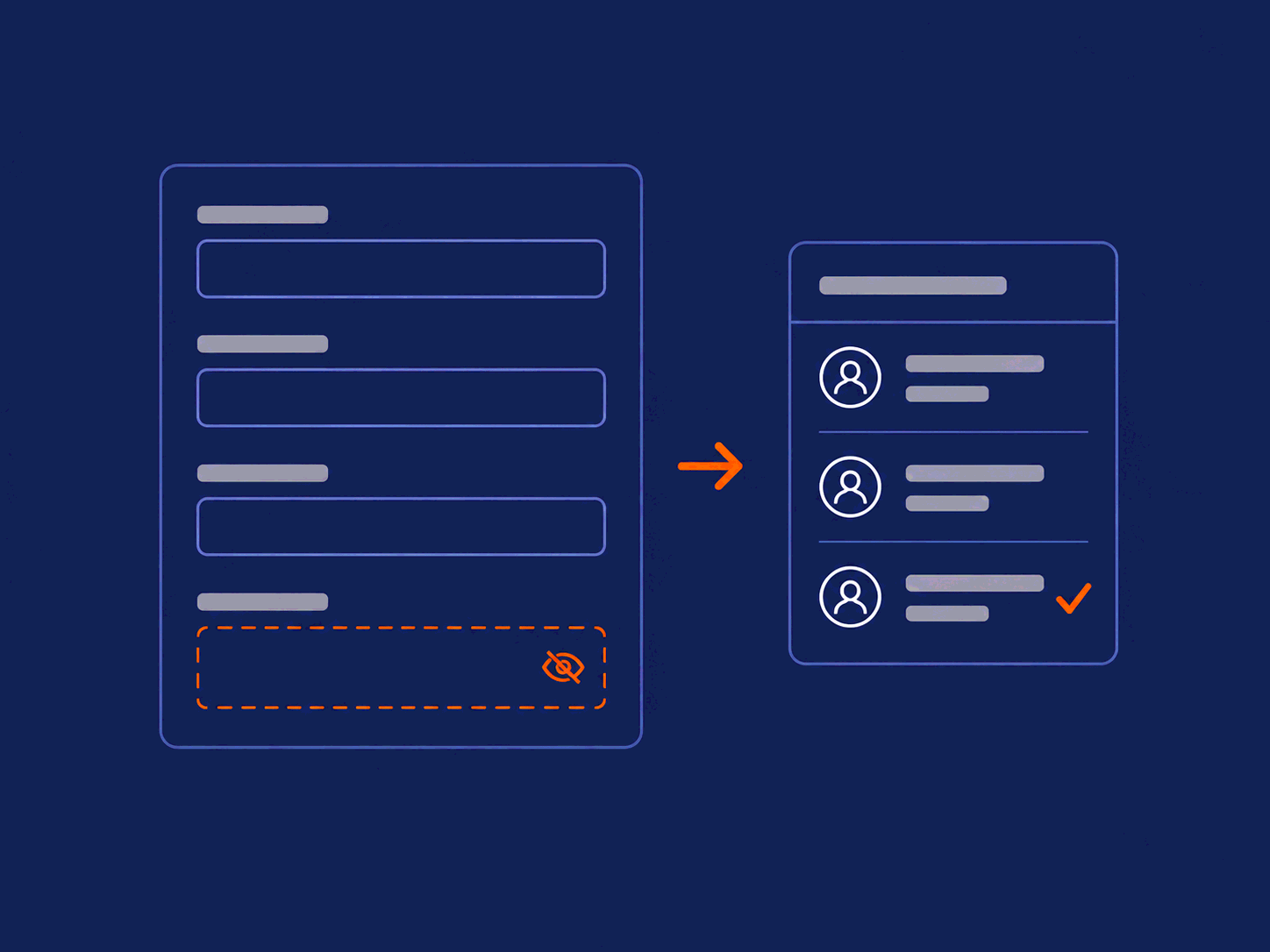
Not every form needs a visible opt-in. Hide the subscribe field and entries are subscribed as soon as the form is submitted. Use it on the forms where consent is already handled somewhere else.
- A hidden field means no extra step for the visitor.
- Pick the lists once, on the form.
- Use it where you already have permission to email.
Frequently Asked Questions
Subscribe questions
-
Can I import existing form entries?
Yes! Use the bulk subscribe feature to subscribe all existing Gravity Forms entries in a few clicks.
-
Can I map MailPoet custom fields to my form fields?
Yes, without a mapping table. Add the MailPoet Custom Field to your form and pick the custom field it represents; its options and values come straight from MailPoet.
-
Can people subscribe without seeing a field?
Yes. Hide the subscribe field and entries are subscribed as soon as the form is submitted. Use it on forms where consent is already handled somewhere else.
-
Can one form offer more than one list?
Yes. The subscribe field can offer a single list or several at once, and the visitor picks which ones to join.
Every form you own can grow your list
Add the field once and it keeps working. New entries opt in as they arrive, and the old ones catch up in bulk.
Works with Gravity Forms + MailPoet. AI features need WordPress 6.9+.