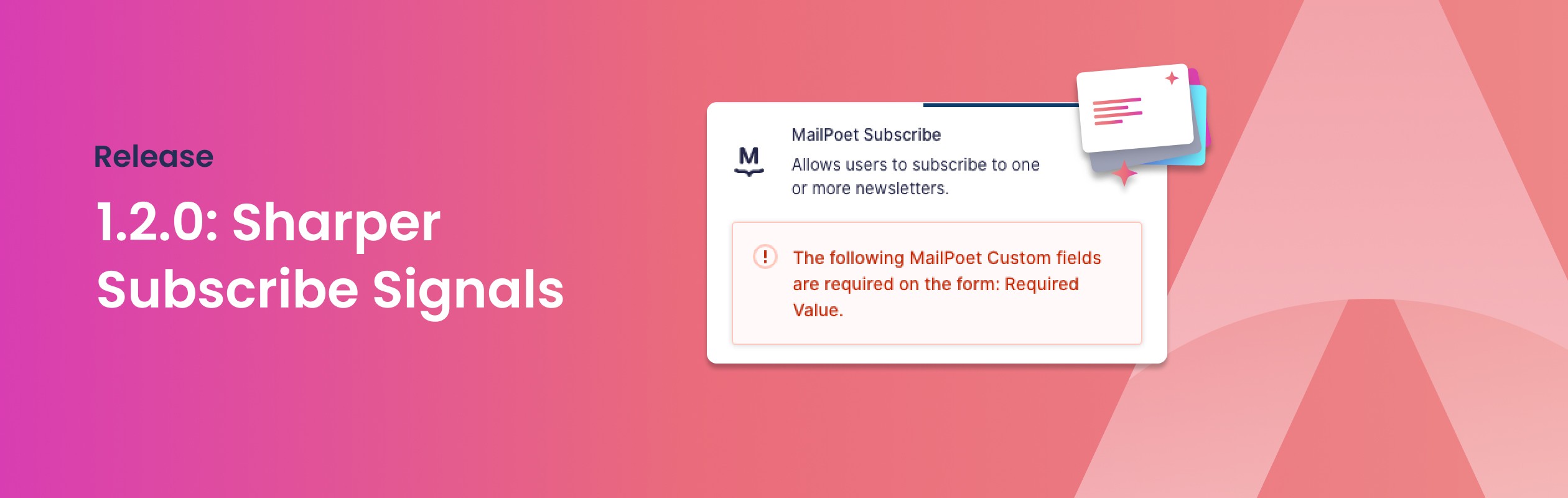
1.2.0: Sharper Subscribe Signals
Two new signals in the form editor: connected fields are marked right on the form, and a missing required field is flagged before it can break a subscription.
You add the MailPoet Subscribe field to your form, point it at your email and name fields, and save. It works. Then a week later you open the form again and you cannot tell which fields actually feed the newsletter. Or you miss a required field, and you only find out when subscriptions start failing.
1.2.0 takes the guesswork out of both. Two small signals, right where you build the form.
See what is connected
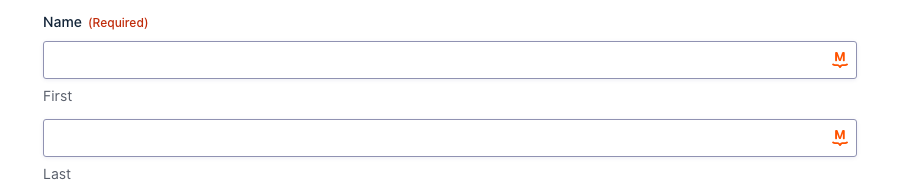
Select the MailPoet Subscribe field. Every field it pulls from, the email address and the first and last name, now carries a MailPoet marker on the form itself. You read the whole mapping at a glance, without opening a single setting.
Catch a missing field before a visitor does
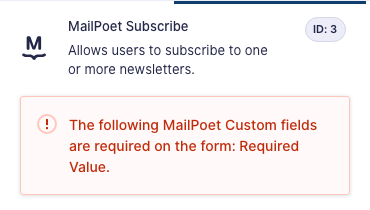
You can mark custom fields as required in MailPoet. If your form is missing one, the field settings now say so, and list exactly which fields you still need to add. The form tells you before someone hits submit, not after the subscription quietly fails.
The rest of 1.2.0
We also cached the newsletter and custom-field lookups so the editor feels quicker, hardened the bulk subscribe and unsubscribe actions, and fixed a handful of bugs. The full list lives in the changelog.
Already using the plugin? Update from your WordPress dashboard and the signals are there. New to it? Grab a license and connect MailPoet to your Gravity Forms in a few minutes.